Why Google reviews matter so much
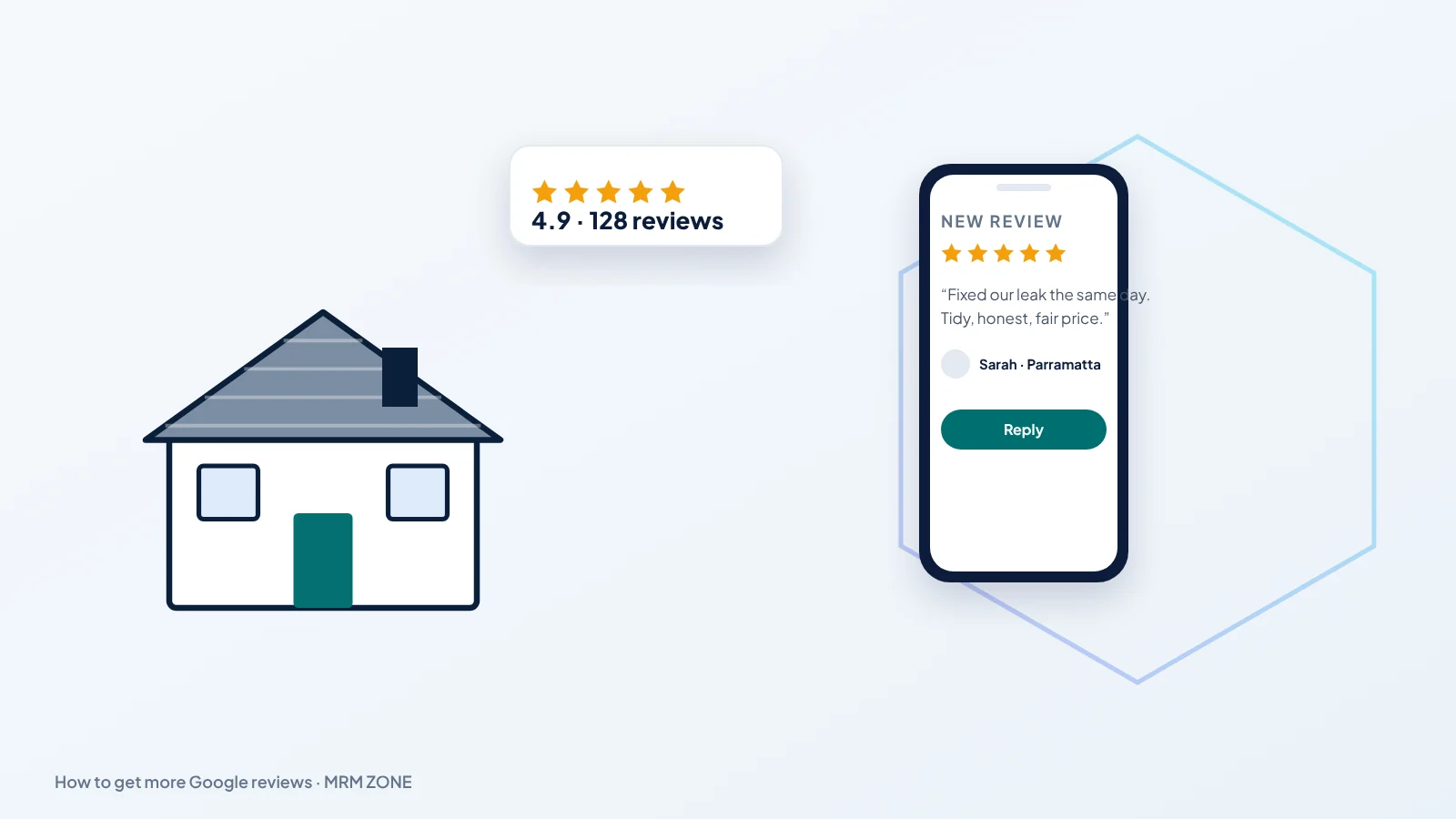
When someone searches for a local service, Google shows three businesses in the map pack, each with a star rating and a review count. Google says prominence, which includes reviews, is one of the factors behind local rankings. More importantly, reviews decide which of the three the customer calls. A business with recent, detailed reviews that mention the actual job usually wins over one with a handful of old five-star ratings.
Ask every customer, at the right moment
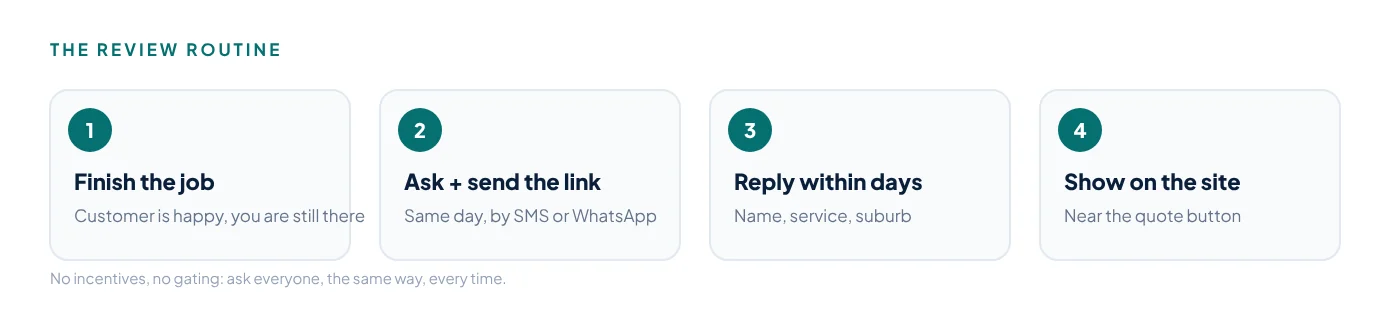
The best time to ask is when the job is finished and the customer is happy: the leak is fixed, the airport transfer arrived on time, the new website is live. Ask in person, then send the link the same day by WhatsApp, SMS or email. In your Business Profile, use the Ask for reviews option to copy your short review link or QR code. Google explains the options in its own tips to get more reviews.
Keep the message short and personal:
Thanks again for choosing us today. If you have a minute, a quick Google review would really help our small business: [link]
Make it a routine, not a campaign. Ten customers asked every week will bring far more reviews over a year than one big push.
What Google does not allow
- No incentives. You cannot offer discounts, gifts or entry into a prize draw in exchange for reviews.
- No review gating. You cannot ask only happy customers, or send unhappy customers to a private form while happy ones go to Google.
- No fake or employee reviews, and no buying reviews from any service.
- No reviews written on behalf of customers.
Breaking these rules can lead to reviews being removed or restrictions on your Business Profile. It also damages trust if customers notice.
Reply to every review
Replies show future customers that you care. Thank happy customers by name and mention the service they used. For a negative review, stay calm, apologise for the experience, state the facts briefly and offer to sort it out offline with a phone number or email. Never argue in public. A good reply to a bad review often wins more trust than another five-star rating.
How many Google reviews do you need?
There is no magic number. What matters is how you compare with the other businesses in your map pack. Search for your main service and town on your phone, note the review counts and ratings of the three businesses shown, and set a target slightly above the strongest of them. In many towns that is 40 to 80 reviews; in big cities it can be several hundred.
Recency matters as much as volume. Customers read the dates, and a business whose last review was eight months ago looks quiet, even with a high count. Aim for a steady flow: a few new Google reviews every month beats twenty in one week and then nothing.
Make it easy for the team
Most reviews are lost because nobody asks. Turn the request into a step in the job, not a favour:
- Save the review link as a quick reply in WhatsApp Business and as a text template on every work phone.
- Print the QR code on invoices, job sheets and the back of business cards.
- Add the link to the email signature and to the automatic “job complete” message if you use job software.
- Check once a week who asked and who did not. What gets counted gets done.
Dealing with fake or unfair reviews
Every busy business eventually gets a review that is false, written by a competitor or about another company. Do not reply in anger. In your Business Profile, open the review and use the option to report it, choosing the reason that fits, such as off-topic or conflict of interest. Google reviews flagged this way are checked against the content policy, and the ones that break it are removed. Reports take time and not every one succeeds, so also post a short, factual reply so readers see your side.
Use the words in your reviews
Customers describe jobs in the words other customers search for: emergency leak, airport transfer at 4am, new website in a week. Read your reviews every month and use the phrases that keep appearing on your service pages and in Google Posts. You learn what people value, and your pages start to match how real customers talk.
Put reviews to work on your website
Show a few recent reviews on your homepage and on the service pages they relate to, with the customer's first name and town. Real reviews near a quote button or WhatsApp link reduce doubt at the moment of decision. Keep them genuine and up to date.
Reviews are one of the biggest levers in the map pack; see Google Maps SEO for roofers and, for plumbers, the 90-day local SEO plan.
Related articles
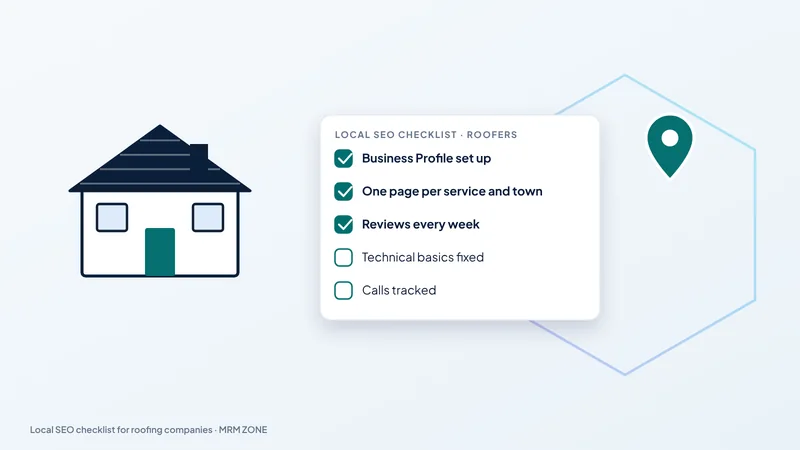 A local SEO checklist for roofing companiesA practical local SEO checklist for roofers: Business Profile, town pages, reviews, citations and tracking, in…
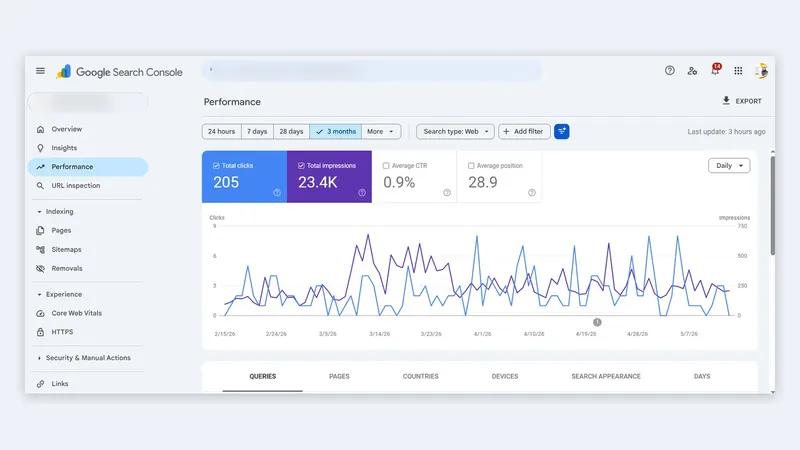 Roofing SEO Ireland: how Irish roofers get more calls from GoogleRoofing SEO Ireland guide: county and town pages, Google Business Profile, reviews, storm-season searches and …
 SEO for roofers in Australia: how to rank in Sydney, Melbourne, Brisbane and PerthSEO for roofers in Australia: suburb pages, Google Business Profile, reviews, storm-season content and the mis…
Want us to check this on your own site? Ask for a free audit and we'll send the first fixes we'd make.